12 · Privacy
Privacy and your data
Your logbook is yours: you decide who sees it, and you can take it with you.
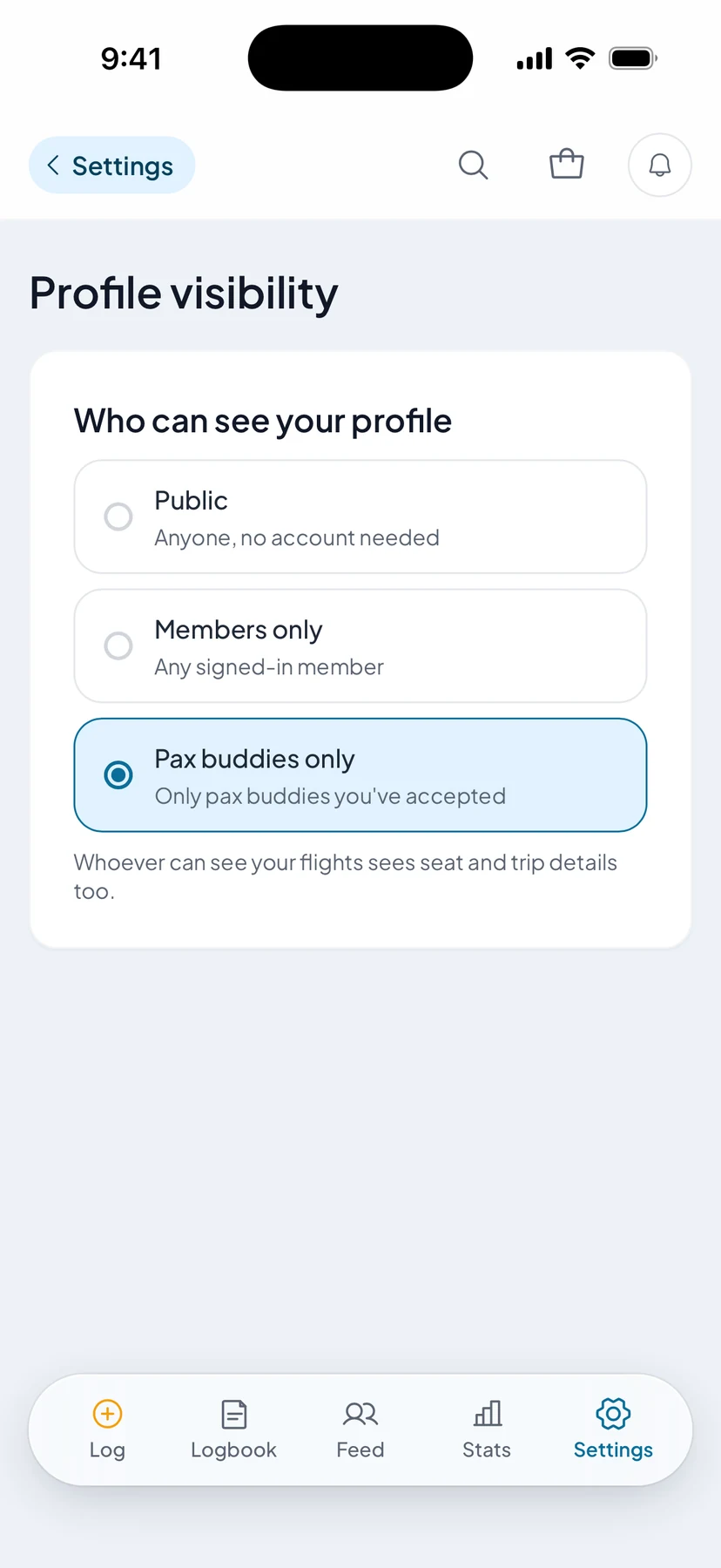

Who sees your profile
Anyone, members who have been on paxstats a week and logged a flight, or only the pax buddies you have accepted. Change it any time in Settings, under Profile visibility.
- Three visibility tiers
- Public, any signed-in pax, or accepted buddies only
- Separate switches
- Your flight list, your photos and your profile photo, each on its own. Your totals still show to whoever can see your profile
- Who sees a flight
- Whoever can see your profile sees your flights, seat and trip included. A public profile’s flights reach every member’s feed
- When they see it
- 3 hours after it lands, or 1 day, 3 days or a week later if you pick that in Settings, under Profile visibility. Your own logbook shows it at once
- Locked at the source
- Who can read your flights is enforced by the database itself, so a bug in a screen can’t show them to the wrong person
- Export
- Your flights as a CSV the importer accepts, and everything on your account as JSON
- Blocking
- A blocked pax is gone from your feed, profile and notifications
- Delete
- Self-serve, from Settings, without emailing anyone
Written out in full on the Security & Trust page, alongside Privacy and Terms.