05 · Logging
What one flight holds
Only the date and the two airports are required. Everything else is there when you want it.
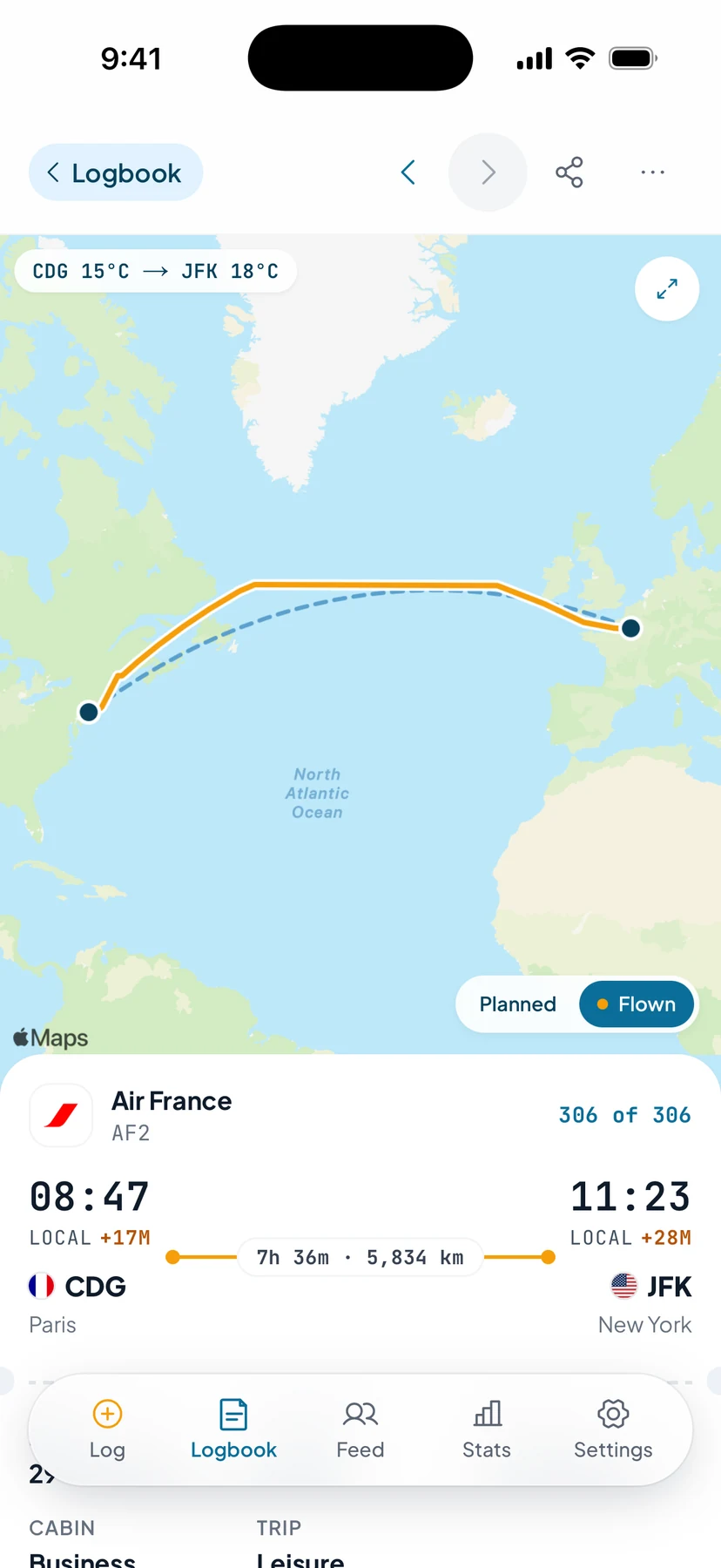

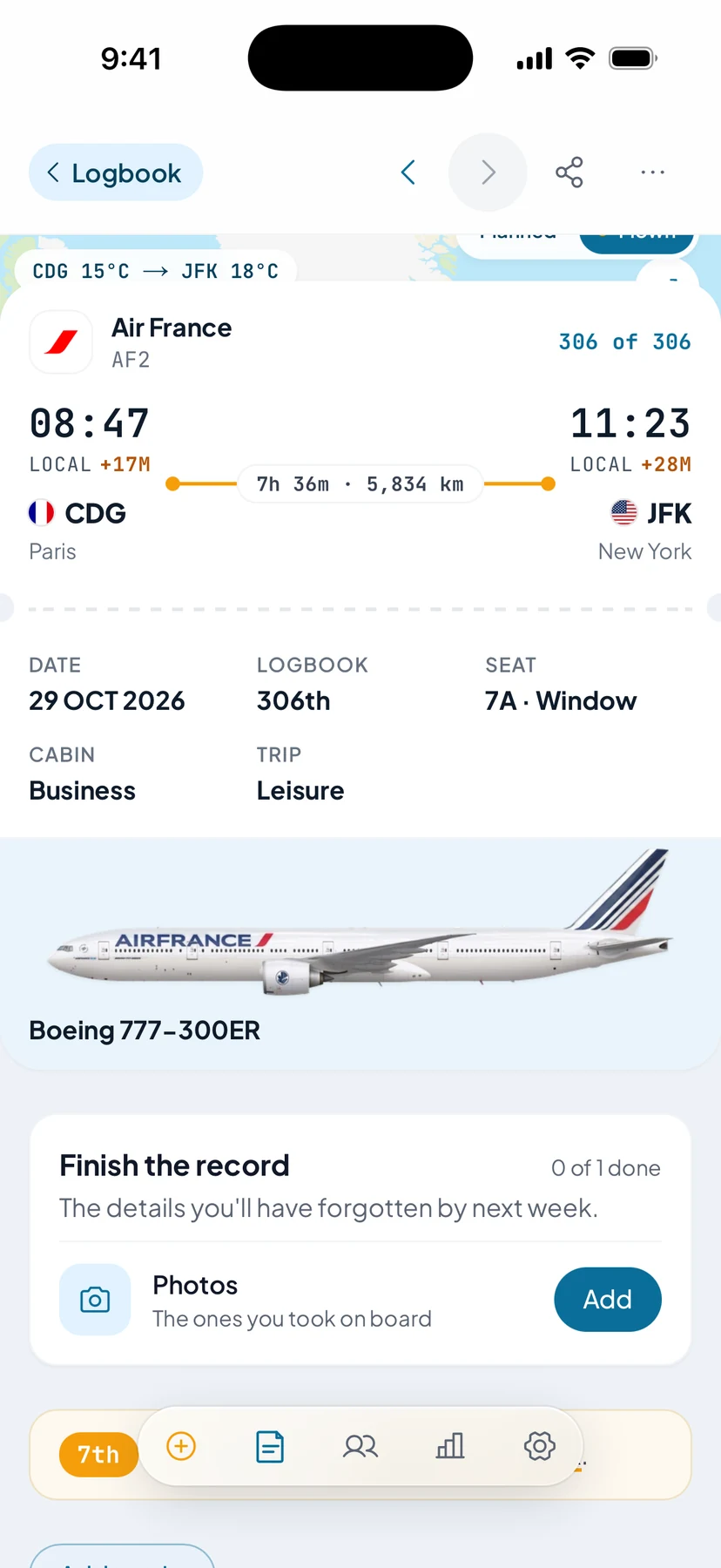
- Weather at both endsOn the actual date, not today.
- The route you flewThe track flown, drawn against the planned one.
- Times and distanceLocal times, early or late to the minute, duration and kilometres.
- Date, number and seatWhich flight of your logbook it was, and where you sat.
- The aircraft itselfIts type, and the tail number when it is known, in its airline’s livery.
- What to add nextPhotos and the details you’ll have forgotten by next week.
- Route
- Airports, date, local departure and arrival, duration, and the distance as the crow flies
- Aircraft
- Airline, aircraft type, manufacturer, and the tail number — which pulls a photo of that airframe
- Seat
- Number, cabin class, window/aisle/middle, award-ticket and jump-seat flags
- Trip
- Why you flew — leisure, business, crew or other — up to five lounges that day, and the trip it belongs to
- Photos
- Up to ten per flight: boarding passes, wing shots, meal trays. On iOS, the photos you took that day are offered to you, and photos shared from the Photos app go to the flight they were taken on. Seen only by the people your Photos switch allows
- Companions
- Tag a pax buddy from the same flight; they confirm and it lands in their logbook too
- Weather
- Conditions at both ends on the actual date — archive for old flights, forecast for upcoming ones
- Upcoming
- Log a flight before you take it and it pins above the log with a countdown (12 days to go). Nobody else sees it until it has landed
- After landing
- A push when you land — with the route map on iOS — and a Finish the record card for your seat, photos and the aircraft
- Complete your logbook
- Settings → Complete your logbook lists the flights missing details, newest first, and tidies tail numbers you typed two ways